


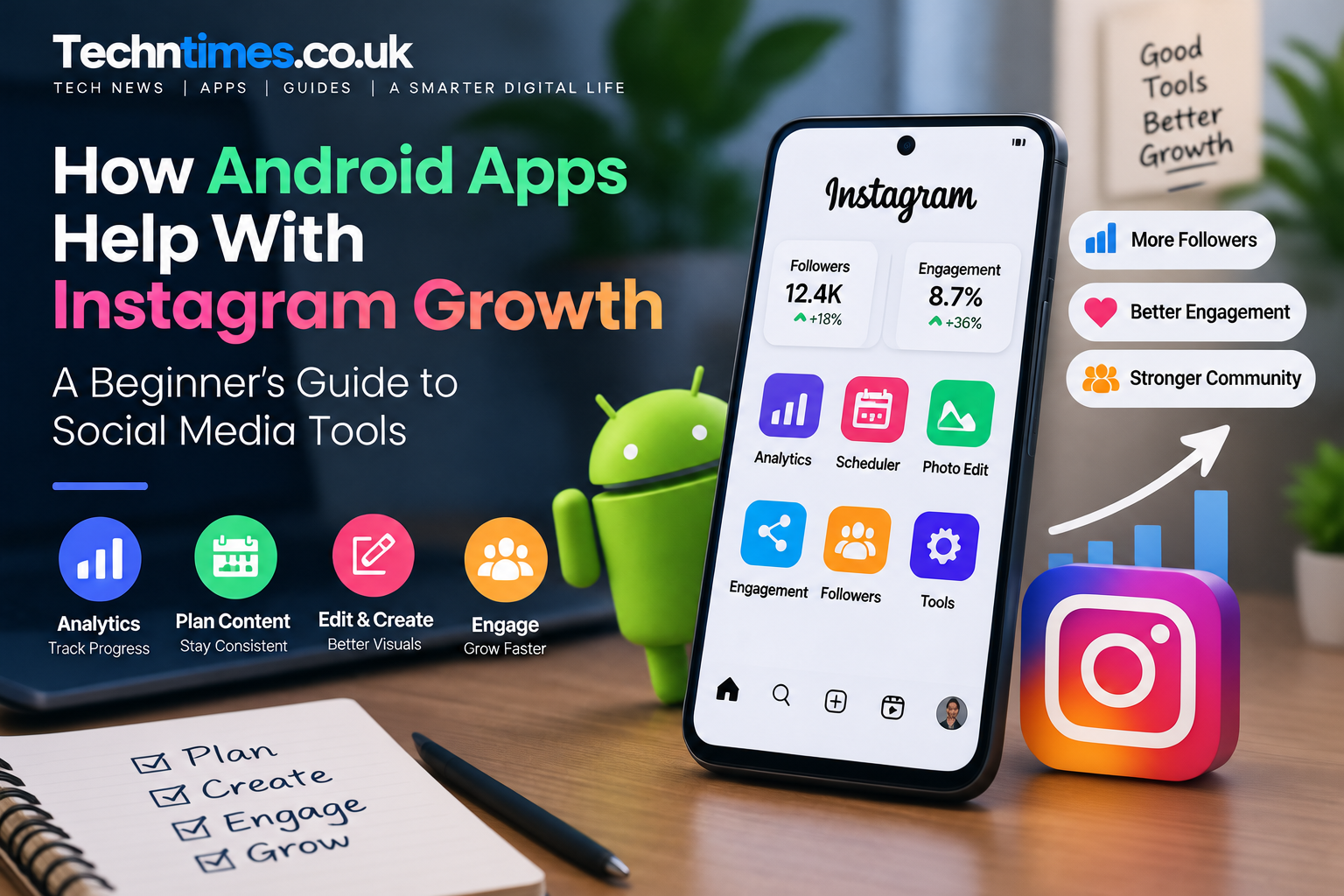
Growing an Instagram account requires more than just posting photos or videos. Many creators struggle with understanding audience behavior, improving engagement, managing content, and finding efficient ways to maintain consistency. Android apps and social media tools help simplify these tasks by providing features for analytics, content planning, editing, and engagement management.
From Instagram analytics applications to creator-focused productivity tools, Android users have access to different solutions that can support their growth strategy. However, these apps work best when combined with quality content, authentic engagement, and a clear understanding of how Instagram works.
Quick Information About Android Apps for Instagram Growth
| Category | Details |
|---|---|
| Main Platform | Android |
| Common Formats | Google Play Apps & APK Files |
| Main Users | Creators, influencers, businesses |
| Primary Uses | Analytics, content planning, editing, engagement |
| Related Platforms | Instagram, social media networks |
| Important Consideration | App permissions and security |
Why Are Android Apps Popular for Instagram Growth?
Android apps are widely used by Instagram creators because smartphones have become the main tool for managing social media accounts.
Creators use mobile applications to:
- Track Instagram performance
- Plan future content
- Edit images and videos
- Analyze audience behavior
- Improve posting strategies
- Manage engagement activities
Instead of handling every task manually, these tools help creators save time and make better decisions based on available data.
For small businesses and individual creators, mobile apps provide an affordable way to manage their online presence without requiring advanced technical knowledge.
Different Types of Android Apps Used by Instagram Creators
Not every Instagram growth app performs the same function. Different categories solve different problems.
1. Instagram Analytics Apps
Analytics tools help creators understand how their content performs.
Common features include:
- Post performance tracking
- Audience insights
- Engagement measurement
- Follower activity analysis
These insights help users understand what type of content receives better responses.
2. Content Planning and Scheduling Apps
Consistency is one of the important factors behind social media growth.
Content planning apps help users:
- Organize posting schedules
- Prepare captions
- Plan content calendars
- Manage ideas
Creators who publish regularly often use planning tools to maintain workflow.
3. Photo and Video Editing Apps
Visual quality plays an important role on Instagram.
Editing applications help improve:
- Images
- Reels
- Stories
- Brand visuals
Popular editing features include:
- Filters
- Templates
- Background adjustments
- Video effects
Better visuals can improve how users interact with content.
4. Engagement Support Tools
Some users explore engagement-based platforms to understand different growth methods.
These tools may include features related to:
- Followers
- Likes
- Comments
- User interaction systems
For example, platforms like InstaUp APK are explored by some users who want to understand engagement exchange systems and how different social media growth tools operate.
How APK Apps Work on Android Devices
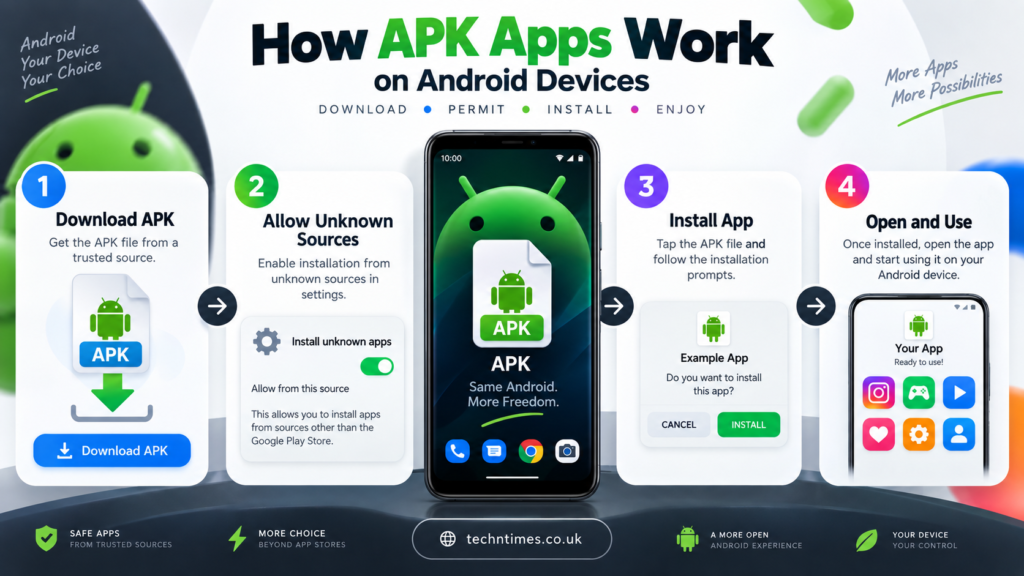
Android applications are usually installed through the Google Play Store, but some apps are also available as APK files.
An APK (Android Package Kit) is the file format used to install applications manually on Android devices.
The process usually involves:
- Downloading the APK file
- Allowing installation from unknown sources
- Installing the application
- Reviewing permissions
APK files can be useful when an application is unavailable in a user’s region or when users need a specific version.
However, users should always verify the source before installing APK files.
Things to Check Before Installing APK Apps
Installing applications from outside official stores requires extra attention.
1. Verify the Download Source
Not every APK website provides original files.
Before installation:
- Check the website reputation
- Avoid suspicious download buttons
- Review available information about the app
2. Review App Permissions
Permissions determine what information an application can access.
Before allowing permissions, check:
| Permission Type | Why It Matters |
|---|---|
| Storage Access | May access device files |
| Internet Access | Needed for online features |
| Account Access | Should be reviewed carefully |
| Device Permissions | Should match app purpose |
3. Check Compatibility
An app should match your:
- Android version
- Device specifications
- Storage availability
Compatibility problems can cause crashes or installation failures.
How Social Media Tools Support Instagram Growth
Android tools can support different parts of the Instagram growth process.
Better Content Decisions
Analytics tools help creators understand:
- Which posts perform better
- When audiences are active
- Which content receives more interaction
Improved Workflow
Planning and editing apps reduce the time needed for:
- Creating posts
- Managing schedules
- Preparing content
Understanding Engagement Methods
Different tools show creators how engagement systems work.
However, tools should support a strategy rather than replace:
- Original content
- Audience relationships
- Consistent posting
Can Android Apps Replace Organic Instagram Growth?
No application can completely replace authentic audience building.
Instagram growth depends on several factors:
- Content quality
- Audience interest
- Posting consistency
- Community interaction
- Niche selection
Apps can provide support, but long-term growth comes from creating content that people genuinely find valuable.
A creator with a smaller but interested audience may achieve better results than an account with many inactive followers.
Common Mistakes When Using Instagram Growth Apps
Many users make unrealistic assumptions about growth tools.
Expecting Instant Results
Apps can support growth activities, but they cannot guarantee viral success.
Installing Unknown APK Files
Random APK downloads may create unnecessary security risks.
Always verify the source before installation.
Focusing Only on Numbers
Follower count alone does not define success.
Important metrics include:
- Engagement rate
- Audience quality
- Content interaction
- Brand trust
Ignoring Instagram Content Quality
Even the best tools cannot replace:
- Useful information
- Attractive visuals
- Regular posting
Are APK-Based Instagram Tools Safe?
The safety of APK-based tools depends on several factors:
- Download source
- App permissions
- Developer reliability
- User behavior
Before using any third-party application:
- Avoid modified unknown files
- Check permissions carefully
- Protect account information
- Use trusted sources
Security should always be considered when installing applications outside official platforms.
How to Choose the Right Instagram Growth Tools
Before selecting any Android app, consider:
| Question | Why It Matters |
|---|---|
| What problem does the app solve? | Avoid unnecessary tools |
| Is the app trustworthy? | Protect privacy |
| Are permissions reasonable? | Improve security |
| Does it support your strategy? | Get better results |
The best tools are those that support your workflow instead of creating dependency.
Frequently Asked Questions
Can Android apps help grow Instagram accounts?
Yes, Android apps can support Instagram growth by helping with analytics, content planning, editing, and engagement management.
What are APK files on Android?
APK files are installation packages used by Android devices to install applications manually.
Are Instagram growth apps safe?
Safety depends on the app source, permissions, and how the tool is used. Users should always verify applications before installation.
Do Instagram tools guarantee followers?
No tool can guarantee genuine long-term growth. Sustainable growth depends on content quality and audience connection.
Why do creators use Android apps for Instagram?
Creators use Android apps because they make tasks like analytics, editing, planning, and account management easier.
Final Verdict
Android apps can be useful companions for Instagram creators by simplifying content management, improving analytics understanding, and supporting daily workflows. However, they should be viewed as supporting tools rather than shortcuts to success.
Whether using analytics apps, editing tools, or engagement platforms, creators should focus on building valuable content and genuine audience relationships. The right combination of technology and strategy can make Instagram growth more organized, efficient, and sustainable.
